Watch the comparison on YouTube →
🏠 Home Assistant Hardware — Green vs Raspberry Pi 5 vs Mini PC
Three ways to run Home Assistant. Which one makes the most sense?
Learn it. Compare it. Put it into practice.
Home Assistant is one of the most powerful smart home platforms available, but before you start automating everything in your house, you need somewhere to run it.
And that's where things get interesting.
Do you buy a Home Assistant Green, build a system around a Raspberry Pi 5, or repurpose a Mini PC?
All three can run Home Assistant, but they offer different advantages depending on your budget, technical experience, and long-term plans.
This guide breaks down the differences to help you decide which option makes the most sense for your smart home.
🎬 Watch the Hardware Comparison
Home Assistant Green vs Raspberry Pi 5 vs Mini PC
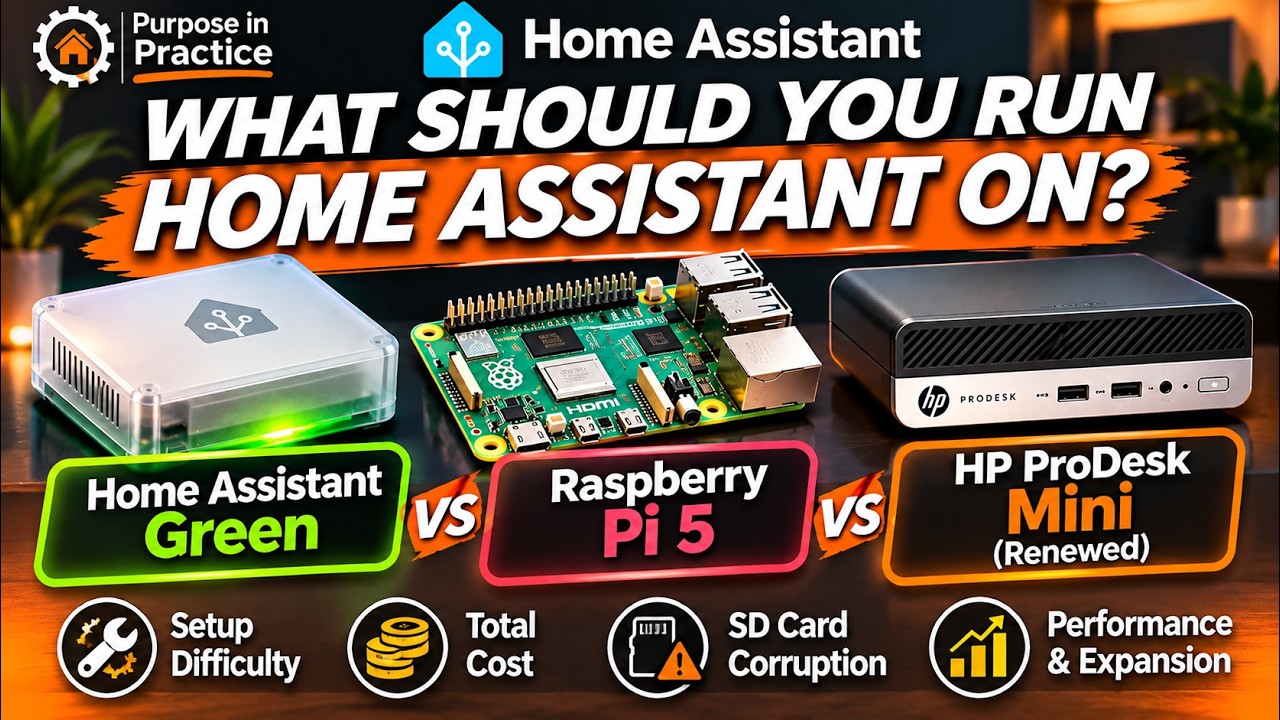
▶ Watch the Full Comparison on YouTube
We look at the advantages, limitations, and practical considerations of each platform.
Compare the hardware and check availability
Already know which approach fits your setup? Use the links below to inspect the current product listings, or continue reading for the full trade-offs. No prices are published here.
- Simple, dedicated setup: Home Assistant Green
- Hands-on DIY setup: Raspberry Pi 5
- More expansion options: Renewed HP ProDesk Mini PC
Affiliate disclosure: These product links may earn me a commission if you buy, at no additional cost to you. Check specifications, included accessories, and compatibility before purchasing.
⚖️ Hardware Comparison
| Feature | 🟢 Home Assistant Green | 🍓 Raspberry Pi 5 | 💻 Mini PC |
|---|---|---|---|
| Best For | Beginners and dedicated HA setups | DIY enthusiasts | Power users and expansion |
| Initial Setup | Very easy | Moderate | Moderate to advanced |
| Processing Power | Modest | Moderate | Varies; often higher |
| Storage | Built-in eMMC | microSD or SSD | Usually SSD |
| Power Consumption | Very low | Low | Varies by model |
| Expandability | USB accessories | GPIO and USB | USB, storage, RAM on supported models |
| Home Assistant OS | Supported | Supported | Supported on compatible x86-64 hardware |
| Zigbee Built In | No | No | Usually no |
| Other Applications | Primarily dedicated HA | Possible with alternative setups | Virtualization and multiple services possible |
| Maintenance | Relatively simple | Depends on configuration | Depends on configuration |
Important: A Mini PC isn't automatically faster or more capable than every Raspberry Pi configuration. The processor, memory, storage, and installation method matter.
🟢 Option 1: Home Assistant Green
The easiest way to get started
Home Assistant Green is designed specifically for running Home Assistant.
There's no operating system to install, no custom computer to assemble, and no need to figure out which components work together.
Connect power and Ethernet, complete the initial setup, and start building your smart home.
Why I like it:
- Home Assistant OS preinstalled
- Low power consumption
- Built-in eMMC storage
- Compact and quiet
- Minimal initial configuration
- Great for a dedicated smart home controller
Things to consider:
- Limited hardware expansion
- Less processing power than many modern Mini PCs
- No built-in Zigbee or Z-Wave radio
- Not intended to be a general-purpose computer
My take: If your goal is to run Home Assistant without turning the hardware itself into another project, Green is an excellent place to start.
🛒 Check Out Home Assistant Green
🍓 Option 2: Raspberry Pi 5
For people who enjoy building their own solutions
The Raspberry Pi 5 gives you more control over the hardware.
You can choose your enclosure, storage, cooling, and accessories.
It's a great option if you enjoy tinkering and want to learn more about the system you're building.
Why it's interesting:
- Flexible hardware configurations
- Compact design
- Low power requirements
- Large DIY community
- USB and GPIO expansion
- SSD storage options
Things to consider:
- Requires additional components
- Proper power supply and cooling matter
- SSD storage is generally preferable for demanding, write-heavy workloads
- Total cost depends on accessories
- Setup requires more effort than Green
My take: The Raspberry Pi 5 makes sense when you want a compact Home Assistant system and enjoy choosing and configuring your own hardware.
💻 Option 3: Mini PC
More horsepower and room to grow
A refurbished or renewed Mini PC can be a surprisingly capable Home Assistant host.
Systems such as the HP ProDesk Mini offer traditional PC hardware in a compact package.
Depending on the model, you may get substantially more processing power, additional memory, and more storage flexibility.
Why it's interesting:
- Strong performance on suitable hardware
- SSD storage
- Potential RAM and storage upgrades
- Great for larger smart home installations
- Can support virtualization platforms such as Proxmox
- May run additional services alongside Home Assistant
Things to consider:
- Power consumption varies
- Used hardware condition and specifications matter
- Virtualization adds complexity
- More hardware than some installations need
- Backup and recovery planning become especially important with multiple services
My take: If you already enjoy managing servers or expect to expand beyond Home Assistant, a Mini PC is worth serious consideration.
🛒 Check Out a Renewed HP ProDesk Mini PC
🎯 Which One Would I Choose?
| Your Situation | My Recommendation |
|---|---|
| Brand new to Home Assistant | 🟢 Home Assistant Green |
| Want simple, dedicated hardware | 🟢 Home Assistant Green |
| Enjoy assembling and configuring hardware | 🍓 Raspberry Pi 5 |
| Want GPIO for electronics experiments | 🍓 Raspberry Pi 5 |
| Already own a compatible Mini PC | 💻 Mini PC |
| Planning to run Proxmox and other services | 💻 Mini PC |
| Need more processing power and expansion | 💻 Mini PC |
| Want minimal setup and maintenance | 🟢 Home Assistant Green |
There's no single winner for everyone.
The best choice is the one that fits your actual needs, not necessarily the one with the highest specifications.
🎬 Home Assistant Green — Dedicated Video
Want a closer look at Home Assistant Green?
I also made a separate video focusing specifically on this compact Home Assistant controller.
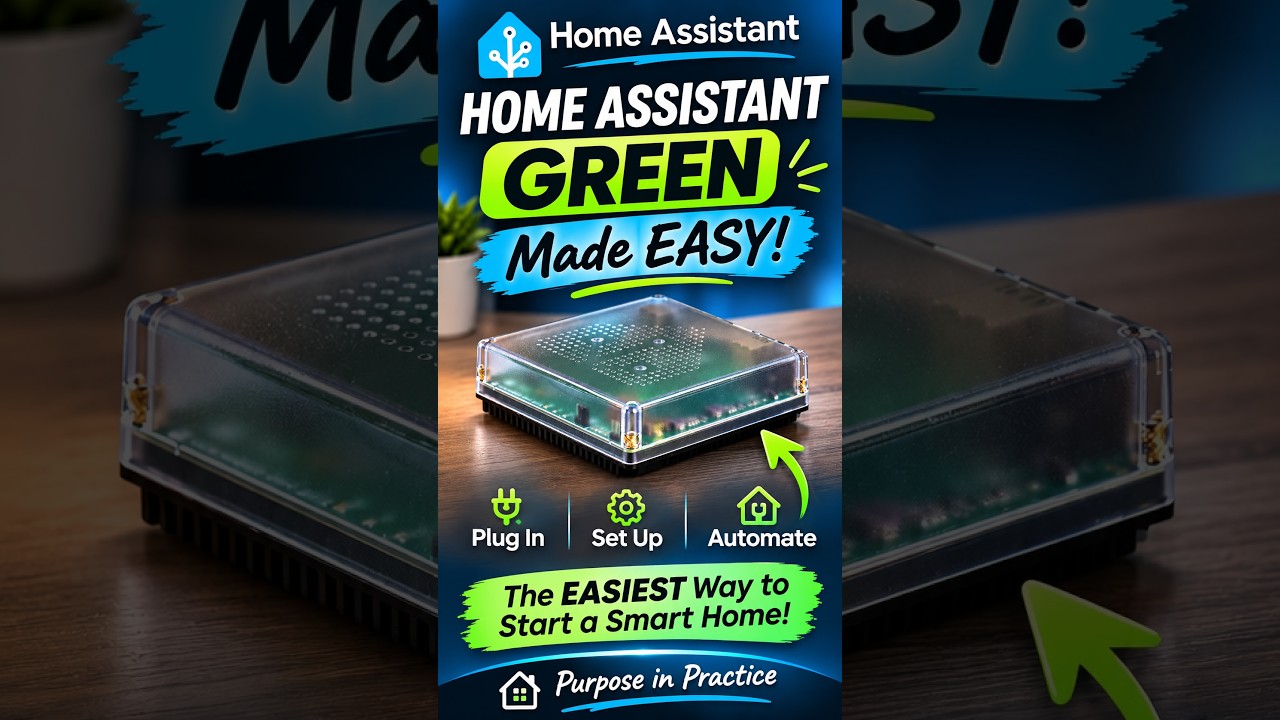
▶ Watch the Home Assistant Green Video
If you're considering Green as your first Home Assistant system, this is a good companion to the full hardware comparison.
🛒 Home Assistant Green — Product Link
🔌 What About Zigbee and Z-Wave?
One important consideration: none of these three hardware options should be assumed to include Zigbee or Z-Wave connectivity.
You may need additional hardware, such as a compatible USB coordinator or network-connected radio.
Your choice of controller hardware and your choice of smart home wireless protocols are two separate decisions.
🧠 A Few Things Worth Remembering
Before buying hardware, think about what you actually want Home Assistant to do.
A few lights, switches, sensors, and automations?
You probably don't need a powerful server.
Planning to add cameras, video processing, multiple virtual machines, or additional services?
You may benefit from more capable hardware, depending on where those workloads run.
And remember: reliability, backups, storage quality, and power protection can matter more than raw processing speed.
🛒 Equipment Links
| Hardware | Product Link |
|---|---|
| Home Assistant Green | View Product |
| Raspberry Pi 5 | View Product |
| Renewed HP ProDesk Mini PC | View Product |
Affiliate Disclosure
Some links in this guide are affiliate links. If you purchase through them, I may earn a commission at no additional cost to you.
Prices, product availability, and specifications can change. Always verify current details before purchasing.
💬 Questions or Suggestions?
Running Home Assistant on something different?
Have experience with Green, Raspberry Pi, or a Mini PC?
Open a GitHub Issue and share what you're using, what works, and what you'd do differently.
🔗 More from Purpose in Practice
- [⚖️ Tech Guides & Comparisons](../README.md)
- 🏠 ESPHome MultiSensor
- 🔐 ESPHome Alarmo Keypad
- 🖨️ 3D Printing Workshop
- 🎬 Purpose in Practice on YouTube
Turn curiosity into capability.
Learn something. Compare your options. Build what makes sense. Put it into practice.
Compare what's included with each Home Assistant setup
Each setup includes different components. Compare what you need to get each system running, including power, storage, cooling and any radio adapters. Choose the option that fits your own requirements and budget; this guide does not list prices.
| Item | Home Assistant Green | Raspberry Pi 5 | Refurbished mini PC |
|---|---|---|---|
| Computer | Ready-to-use appliance | Pi 5 board | Compatible mini PC |
| Storage | Built-in eMMC | microSD or SSD | Check included SSD and condition |
| Power | Confirm included adapter | Compatible power supply | Confirm included adapter |
| Case/cooling | Built in | Usually additional | Usually built in |
| Zigbee / Z-Wave | Additional hardware if required | Additional hardware if required | Additional hardware if required |
| Setup effort | Low | Moderate | Depends on installation |
Which setup would I choose?
Want the easiest start? Home Assistant Green is designed to get you automating quickly. Want to learn and customize the hardware? Raspberry Pi 5 offers more flexibility, but budget for the complete kit. Already have a suitable mini PC or want other services? Consider a dedicated Home Assistant OS installation or a virtual machine, with backups and recovery planned first.
Before you install
Check the official Home Assistant installation instructions for your exact hardware. A dedicated installation can erase an existing drive. Confirm power, storage, network connectivity, backups, and any required Zigbee or Z-Wave adapters before depending on the system.
For the full purchase checklist, setup paths and technical caveats, read the maintained hardware guide on GitHub.
Home Assistant Green vs Raspberry Pi 5: Common Questions
Is Home Assistant Green better than a Raspberry Pi 5?
Green is generally easier to start with because Home Assistant OS and storage are built in. Raspberry Pi 5 gives you more freedom to choose your storage, enclosure and cooling, but requires more setup. The better choice depends on whether you want an appliance or a hands-on build.
Should I use a mini PC for Home Assistant?
A compatible mini PC can be a good fit if you already own one or plan to run more services. Check power draw, SSD health, memory and backup strategy before choosing used hardware. For Home Assistant alone, the extra computing capacity may not be necessary.
What is the best hardware for Home Assistant beginners?
If your priority is getting automations running quickly, start by comparing Home Assistant Green with the complete cost of a Raspberry Pi 5 kit, including its power supply, case and storage. See a DIY ESPHome sensor project for an example of what you can add later.
Quick video: which Home Assistant computer would you choose?
Watch the 53-second hardware comparison for a quick recap of Home Assistant Green, Raspberry Pi 5 and renewed mini PCs. The full guide above explains the tradeoffs and includes links to each hardware option.